Set output rotation
Output rotation is enabled in Preconfig > Outputs and set in Preconfig > Canvas.
In Preconfig > Outputs, select an output group.
In Configuration, enable the output Rotation, then assign the output to a Screen.
In Canvas, select the Screen.
In the tree view, select the output group (identified with
 ).
).The output group settings are displayed in the right panel.
In Rotation, set the rotation angle (None, 90°, 180° or 270° counterclockwise).
Output rotation is set for the output group.
Tip :
If the physical displays are rotated at 90° clockwise, set the output group rotation at 90°.
It is possible to reassign an output to another cell in the virtual canvas.
Note :
- Enabling output rotation in Preconfig > Outputs adds a one frame latency.
- Enabling output rotation for a 1x1 output with capacity 2 disables the next output plug.
- When using output rotation on a group, rotation is set individually with each output staying in its position.
Example : 2x2 Screen⚓
Display result
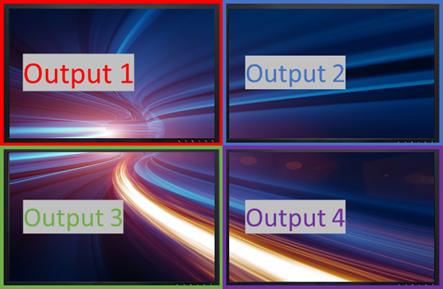
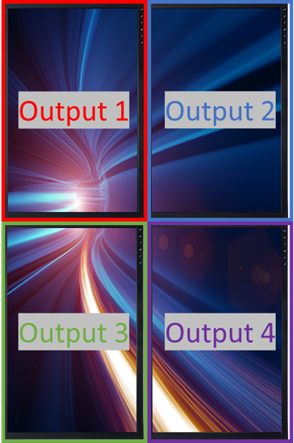
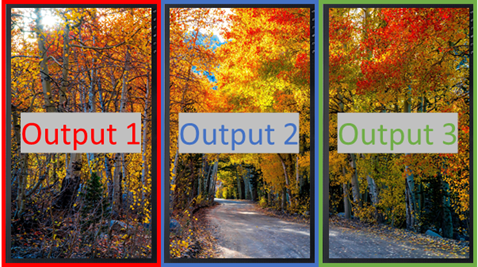
Example : 3x1 Screen⚓
Display result