
Control counter timers in Multiviewers
It is possible to run, pause and stop the counters directly in the source panel in Live > Multiviewers.
In  Multiviewers⚓
Click
 Timers in the source panel.
Hover over a timer and click
 to show control options.
Click Setup to enter timer settings.
Or
Use the buttons to run, pause and stop the counter.
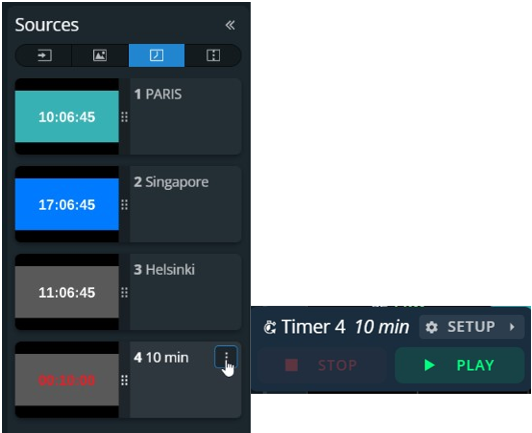
Timer controls in Multiviewer