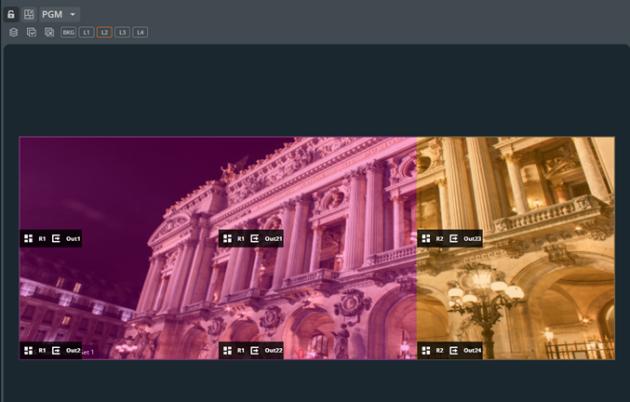
Multi-chassis Screen setup
A screen can be composed of outputs of multiple devices. All outputs are treated as of one device and are assigned to one region by default.
A layer belonging to a multi-chassis region must use shared sources to be displayed properly on every output of this region.
Example : Multi-chassis Screen sources use⚓
- Local sources are only visible on the outputs of the device on which they are located.
- A background output can only use a local source.
- Audio channels from shared sources must be de-embedded locally and made available to Dante network for use on another chassis.
Tip :
Use regions for an easier visibility of shared / local setups and to optimize the use of sources.