Configuration
The configuration is done using the WebRCS of a Leader device. The devices are identified by their serial numbers. They must be linked in the order corresponding to their actual placement in the Link chain.
In the WebRCS of a Leader, click on
 and Link Device.
Select the Follower units from the dropdown list, adding them in the order corresponding to their physical connection.
Click Check System to verify if all devices are properly cabled and reconnect the cables displayed in red.
Click on LINK SYSTEM and confirm the configuration.
All the linked devices restart automatically to complete the configuration.
No additional Follower can be added to a running network.
Tip :
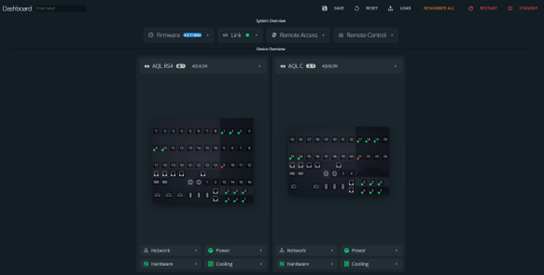
Click on to instantly see all linked devices in Device Overview and display the selected device’s back panel.
OR
Click on Dashboard to display all of them simultaneously and enter the label for the Link system.