
Output group
Concept : Output group⚓
Grouping outputs optimizes the processing resources of the VPU for Screens with multiple outputs.
It allows the use of more outputs in the same VPU (ex. one VPU can manage up to 16 outputs in four 2x2 Screens).
Example : How it works⚓
An output can only be grouped with the following output in the same output card.
It is possible to group up to four outputs together.
The group leader is always the output with the lowest number:
For example if output 7 and 8 are grouped together, then output 7 is the leader and output 8 is set as Grouped.
Note :
When grouped together, every output must have the same format and the group bandwidth is limited to capacity 2 (total pixel space is limited to 4096x2160).
Example : Output group examples:⚓
one output at 3840x2160
two outputs at 4096x1080
four outputs at 1920x1080
Tip : Background content optimization⚓
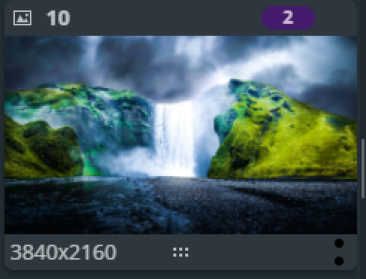
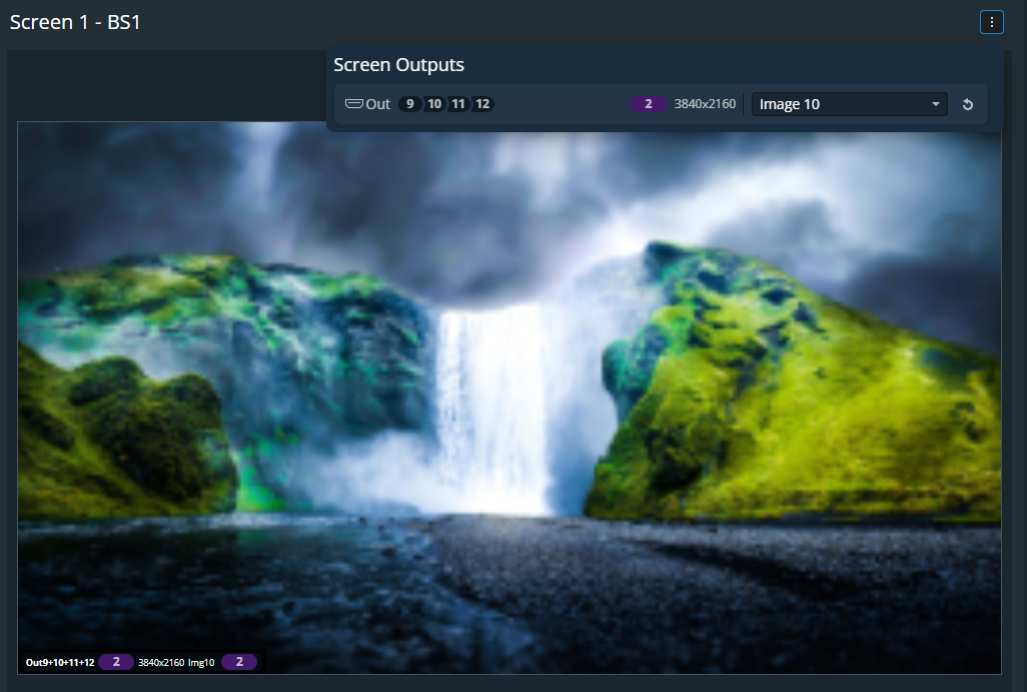
It is possible to set a 4K image or live input as background content for an output group composed of four HDTV outputs.
The content used in background does not need to be divided beforehand as this is performed by the LivePremier unit.
 |  |
Note :
- By default, all outputs are set in a 1x1 group.
- Rotation is possible for the output group but not for independent outputs inside groups.
- Individual output settings are still available in the Output menu (color space, patterns, HDCP, audio channels, etc.).
- Using a group of two or more outputs adds a one frame latency.