
User Maintenance – Air filter
The LivePremier unit is equipped with a removable air filter at the front of the unit.
Tip :
For optimal performance, this air filter must be cleaned by the user regularly (once a year).
Example : Tools⚓
- Torx T20 screwdriver
- duster or vacuum
Maintenance – Air filter
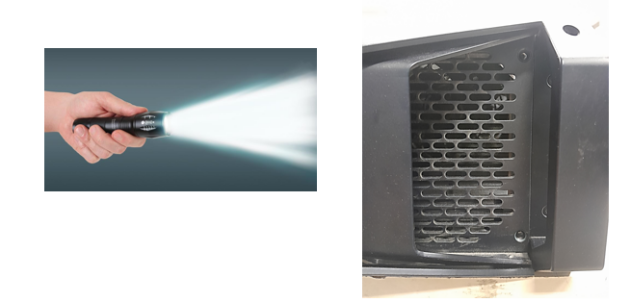
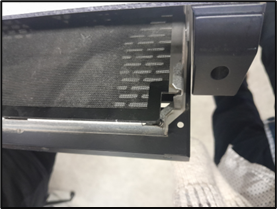
Turn the unit off and unplug the mains.
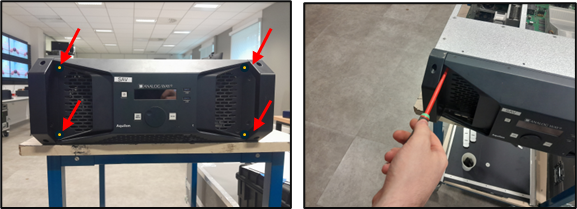
Remove the four screws on the front panel.
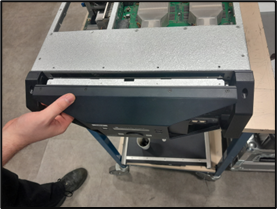
Using both hands, gently pull the front panel on a straight axis.
Gently tilt it down until mechanical stop.
The front panel is in a safe still position.
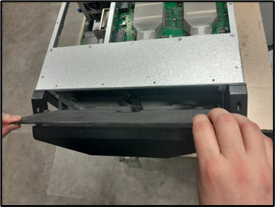
Pull the air filter and take it out from the unit.
Carefully clean the air filter with a duster or vacuum.
When the air filter is clean, gently put it back in place.
Gently tilt up the front panel until it is aligned.
Gently push the front panel back in place on a straight axis.
Set the screws back in place.
The unit is now ready for use